
-
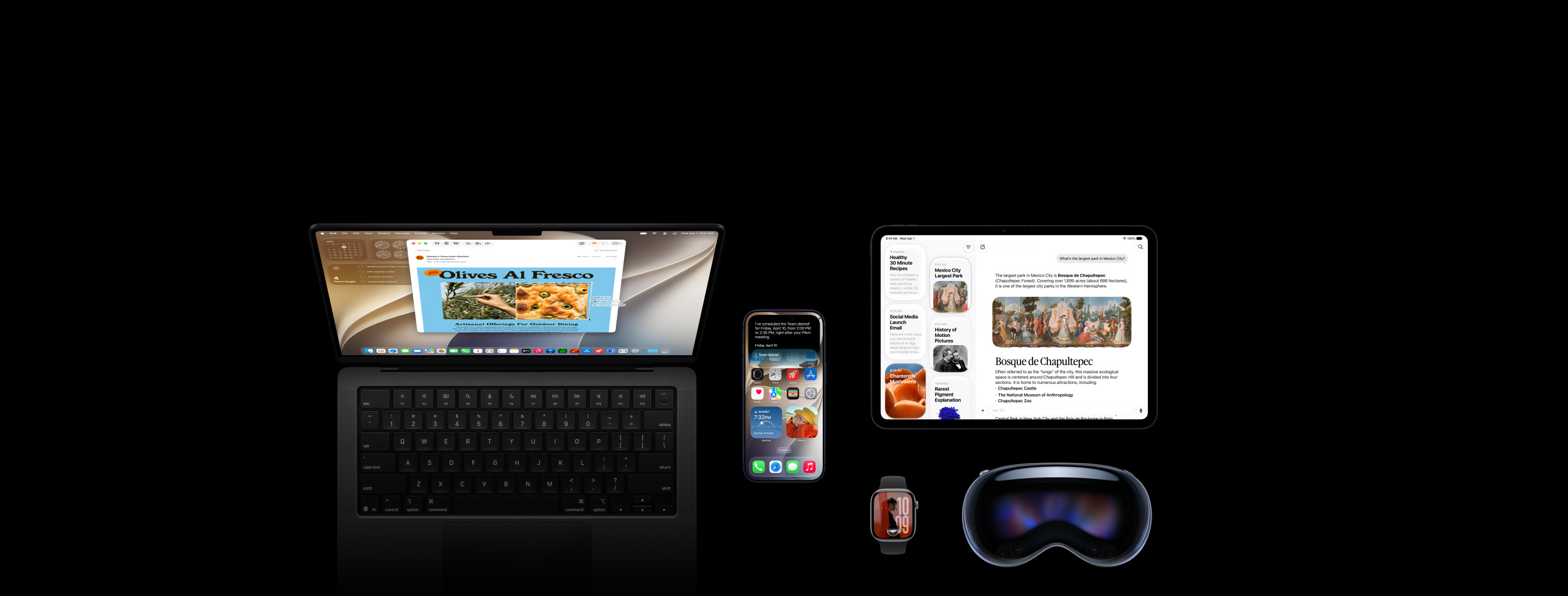
New Siri?AI. An even more capable AI?assistant with expanded intelligence to be more helpful every?day.1
-
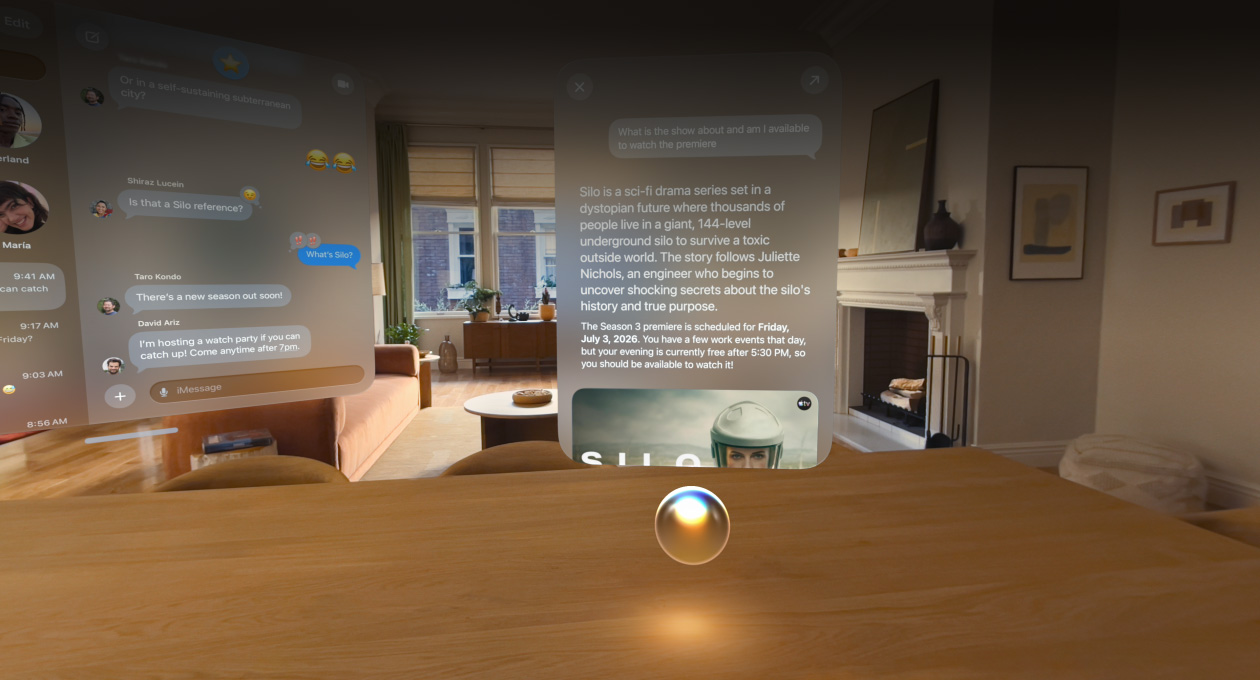
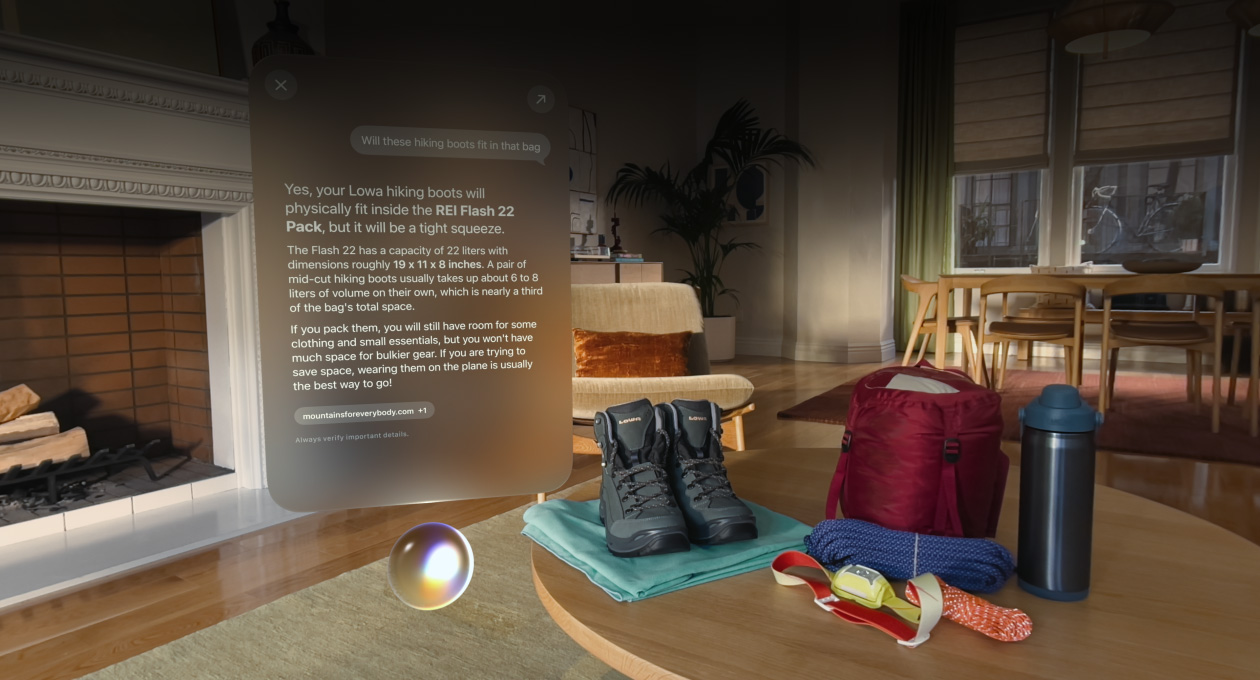
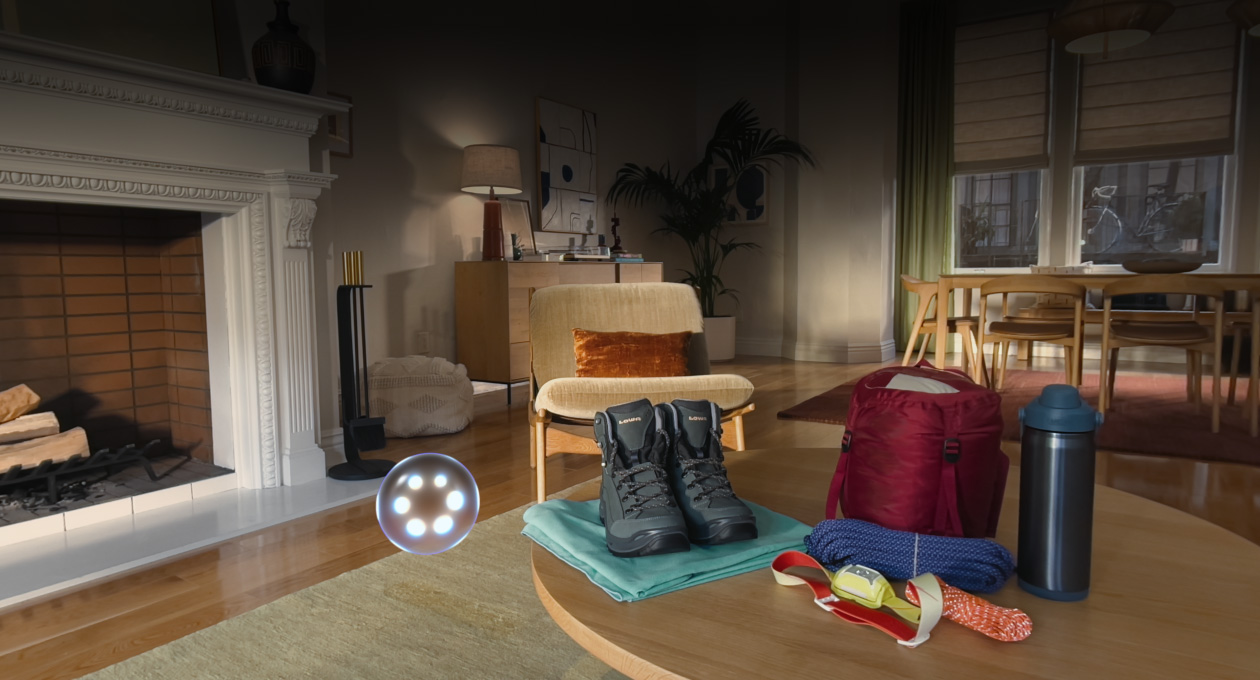
Visual?Intelligence on Apple?Vision?Pro lets you ask Siri about virtually anything just by looking at?it.2
-
Next-generation Apple Intelligence enhances the apps you use?most.3
-
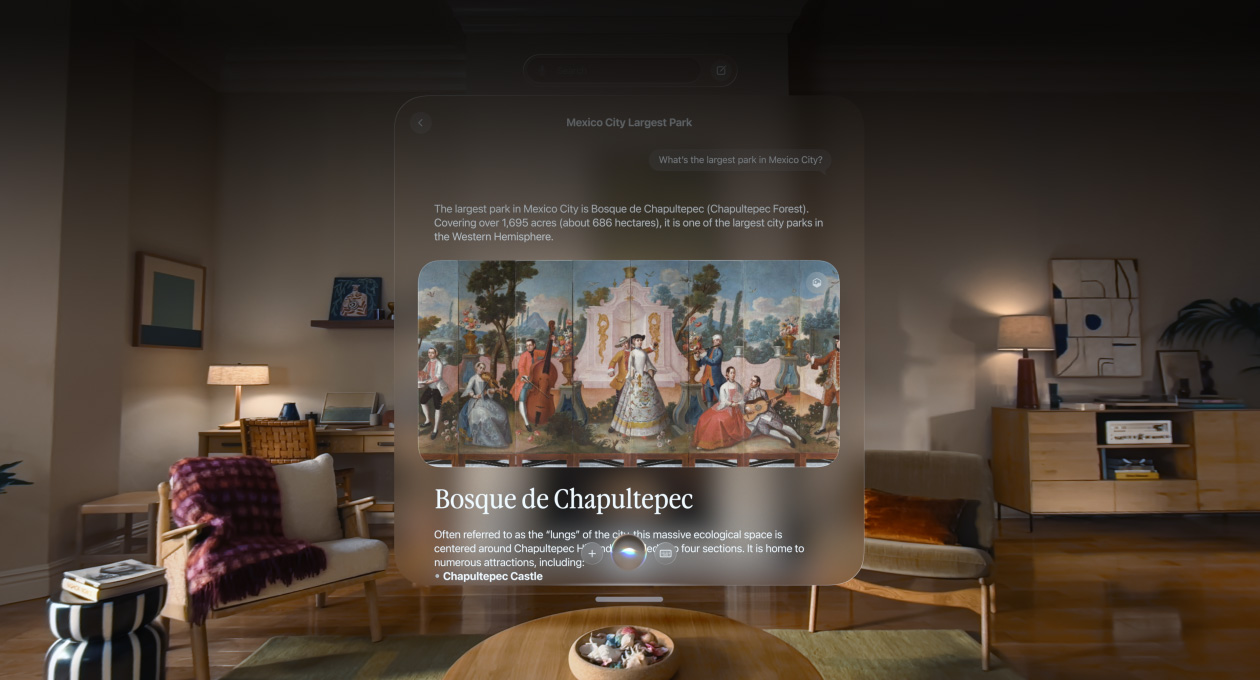
All-new Siri app. All your conversations with Siri?AI — all in one?place.
-
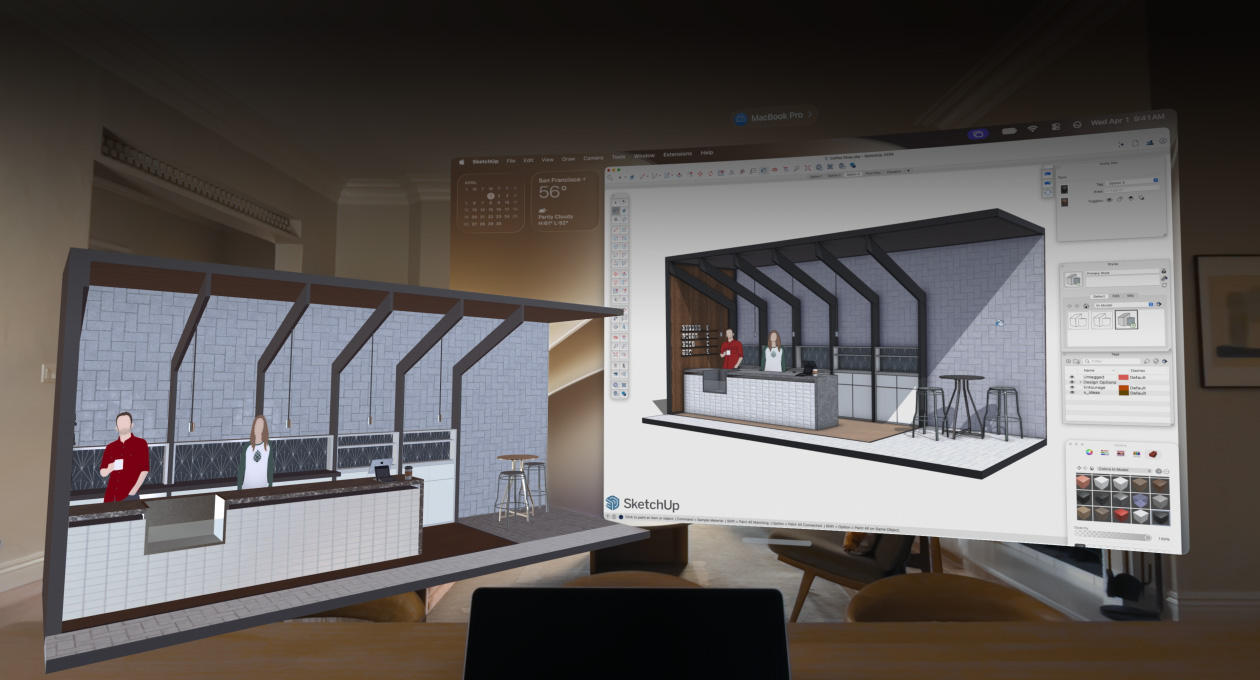
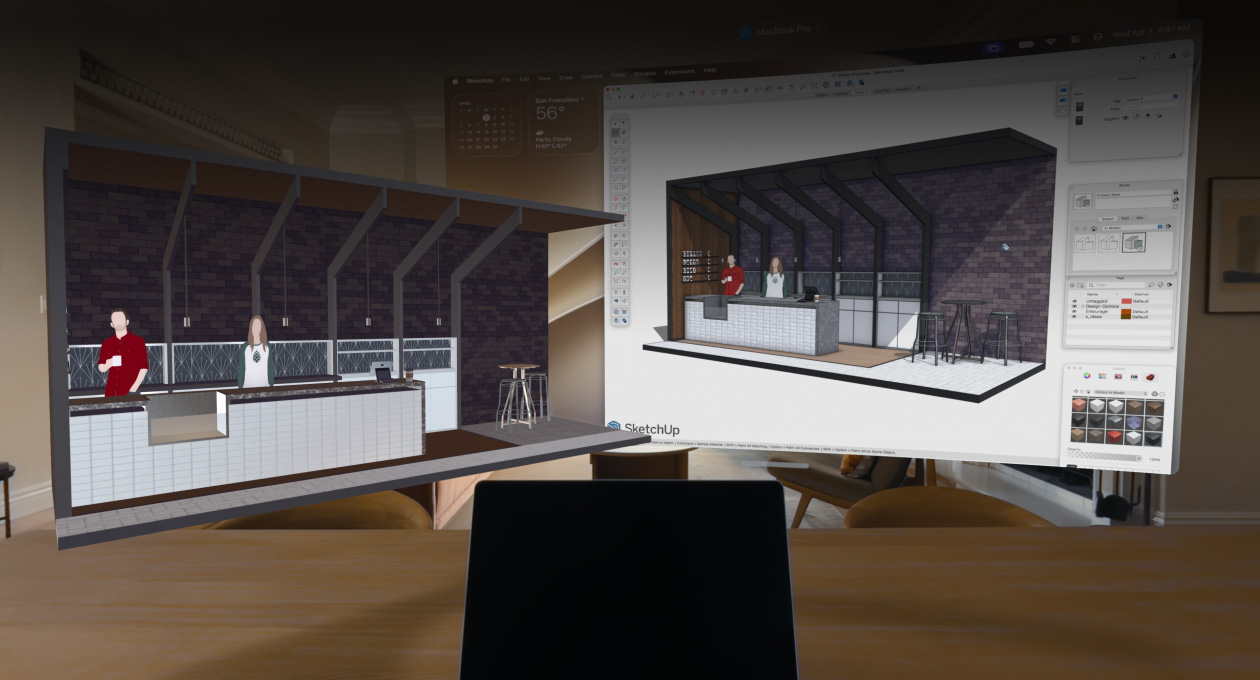
Bring 3D models from Mac into your space to preview and edit?them.
-
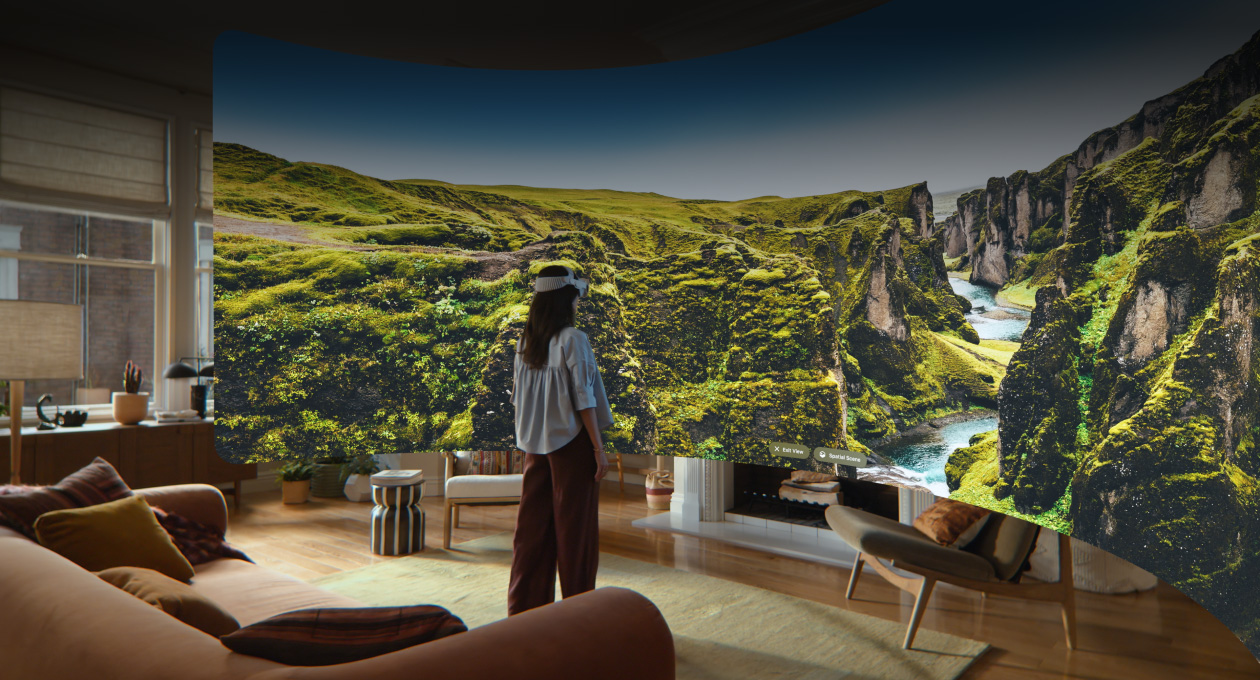
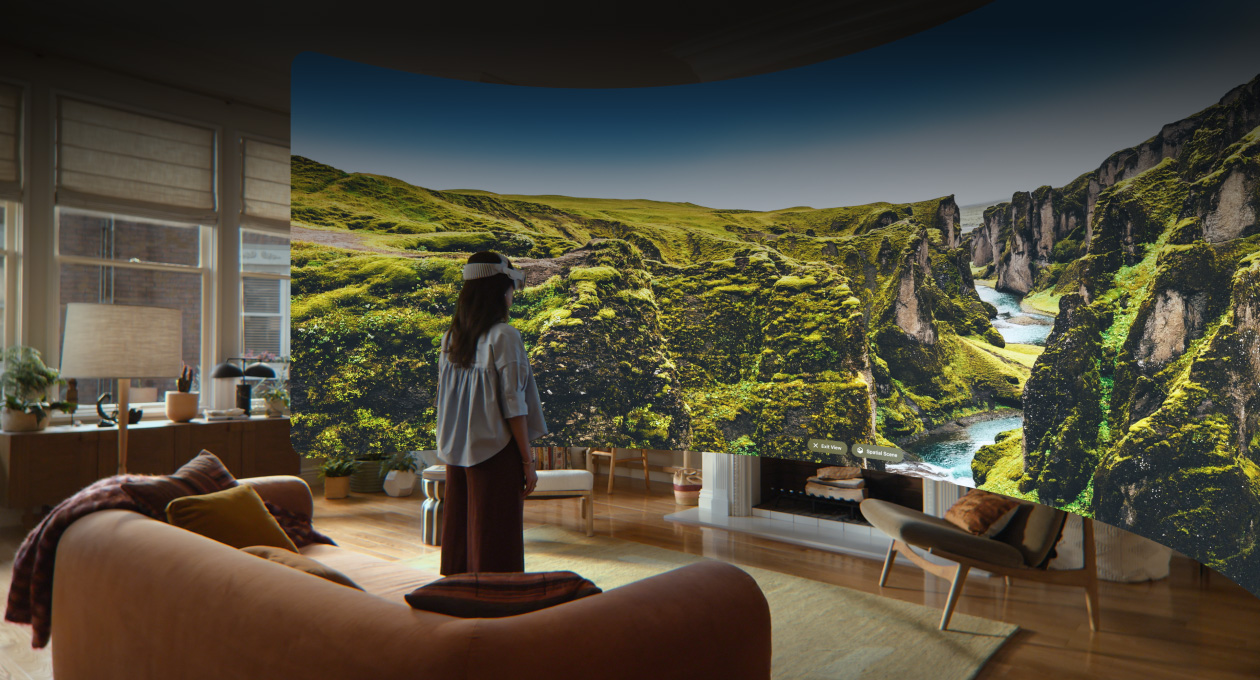
Turn your panorama into a spatial scene and set it as your new personal Environment.
-
Just ask Siri?AI.
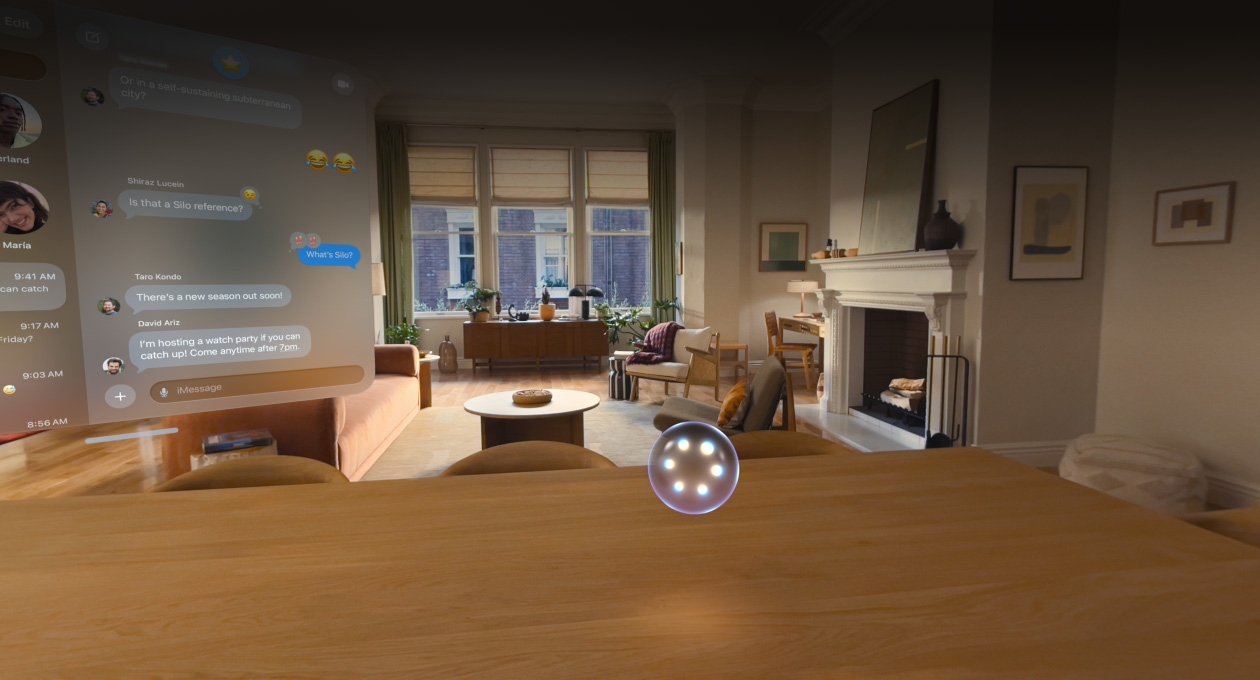
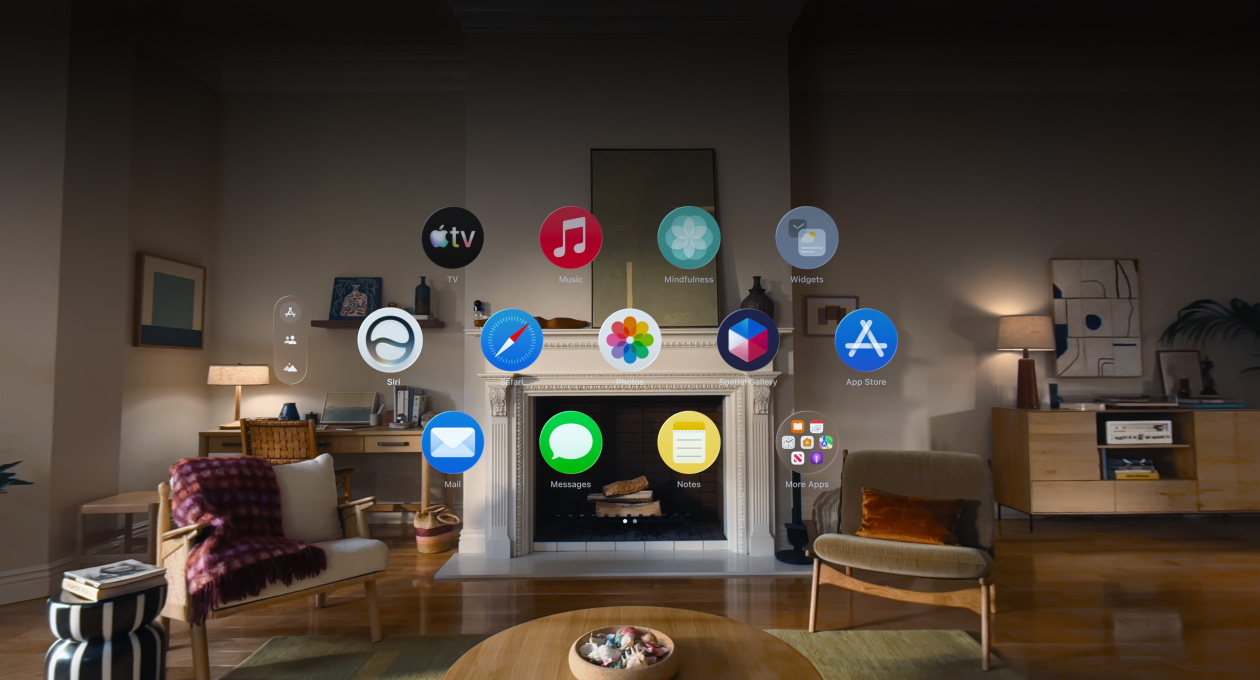
Powered by Apple Intelligence, Siri?AI is your conversational AI?assistant with entirely new capabilities on Apple?Vision?Pro. Brainstorm holidays, explore new spatial experiences and engage in natural, back-and-forth conversations. You can pin a visualisation of Siri anywhere in your space and speak to Siri just by looking at?it.

-
Siri understands your personal context.
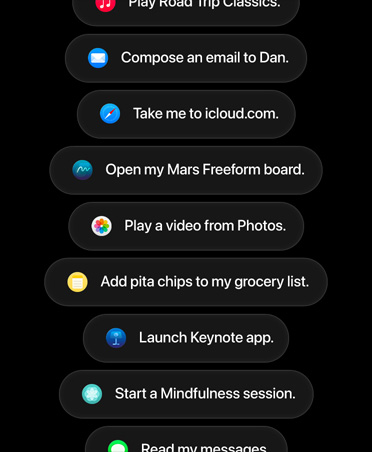
Siri?AI can find relevant answers to what you’re looking for just by asking. Search for a photo from years ago to turn it into a spatial scene, ask Siri to suggest the perfect Environment to unwind in, or pull up an article you started reading on another Apple?device.

-
Take action in more apps.
Siri?AI can take actions in apps like Messages, Music, Reminders and more based on what you’re doing in the moment. Quickly edit a message you just sent or summarise an article you have open in?Safari.
-
Tap into broad world knowledge.
Ask about virtually any topic that’s on your mind, from trivia about the movie you’re watching to live sport stats and spatial game recommendations. Siri?AI can reference information online to give you detailed, up?to?date insights.

-
Introducing the Siri?app.
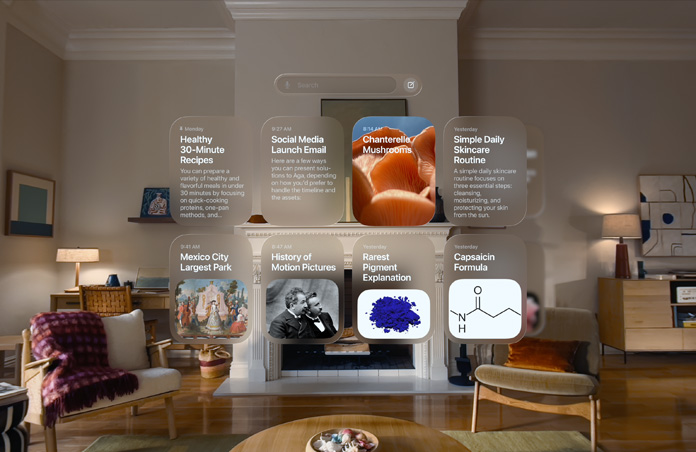
A?dedicated app brings together all your conversations in one place, so you can ask a question on your iPhone and pick up where you left off on your Apple?Vision?Pro. You can also pin conversations for easy access or start a new?one.
-
Ask Siri about anything you?see.
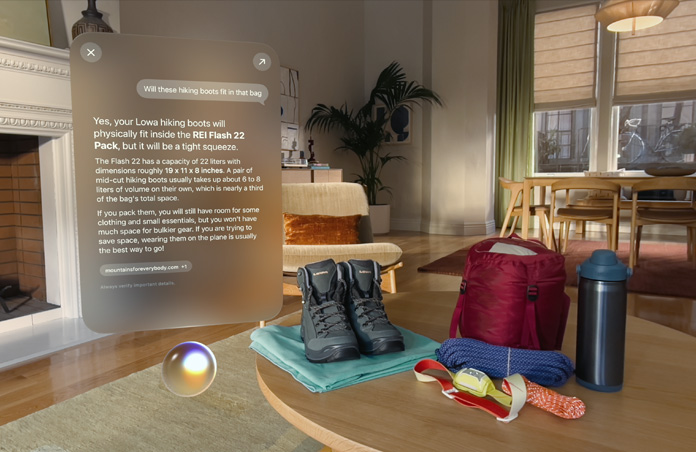
When you’re wearing Apple?Vision?Pro, Siri sees what you see. Use Visual?Intelligence to learn more about anything in your physical or digital space and take action instantly.2
-
Write with Siri virtually anywhere you type.
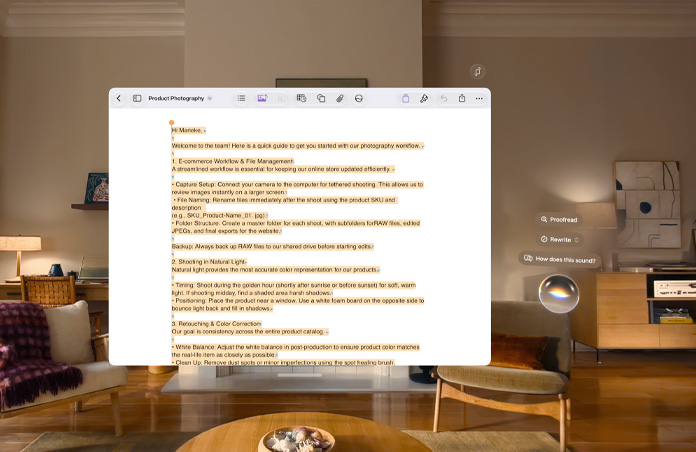
Siri?AI can now generate a draft from scratch or provide feedback on what you’ve written. Just describe what you need in your own?words.
-
Customise how Siri sounds.
Pick a voice, then customise expressivity and pace until it clicks for?you.4

-
Safari works smarter for?you.
Now your bookmarks and Reading List can be automatically grouped into topics, so related pages are easier to?find.

-
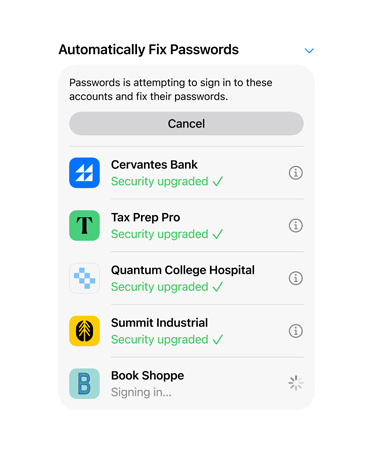
Fix passwords with a?tap.
The Passwords app alerts you to security issues and can update weak or compromised passwords for you without the?hassle.
-
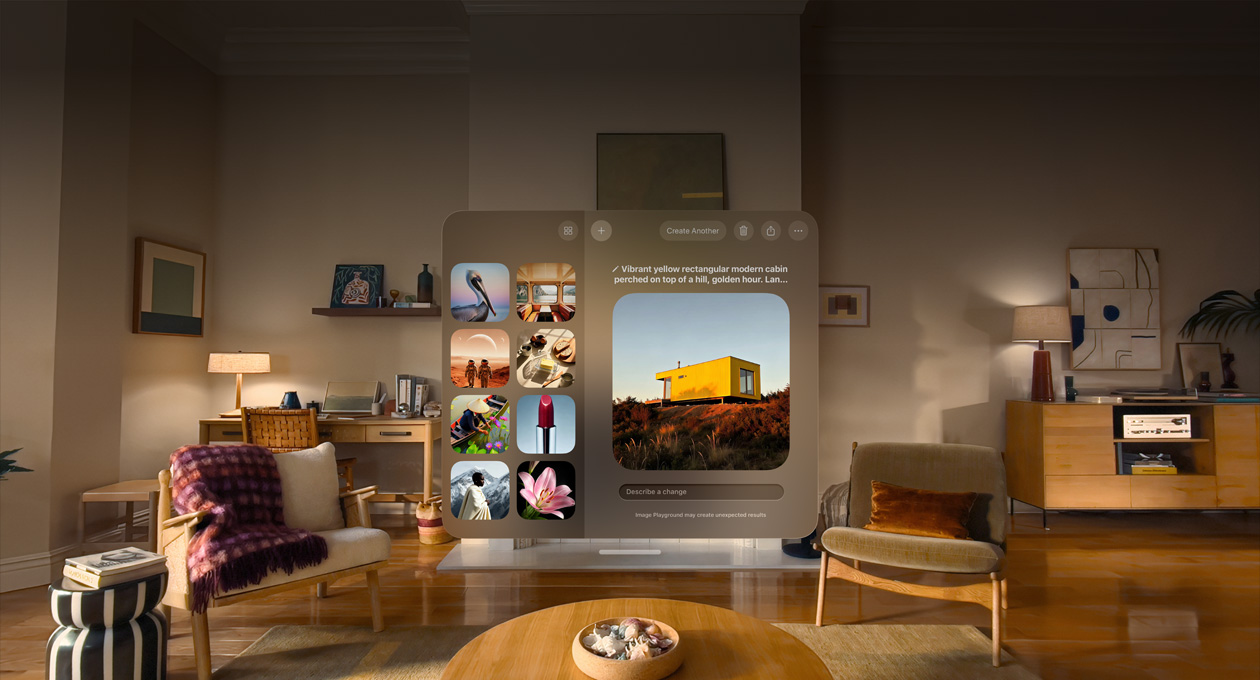
Express more with Image?Playground.
Create unique, high?quality images in just about any style, including photorealistic. Modify and transform your images by typing or talking for endless possibilities.

-
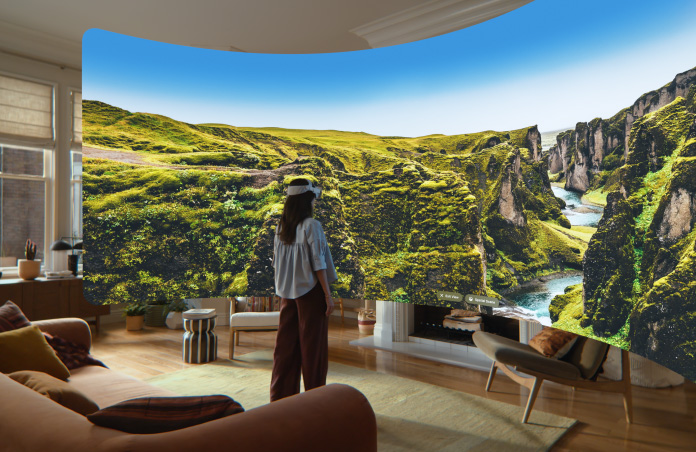
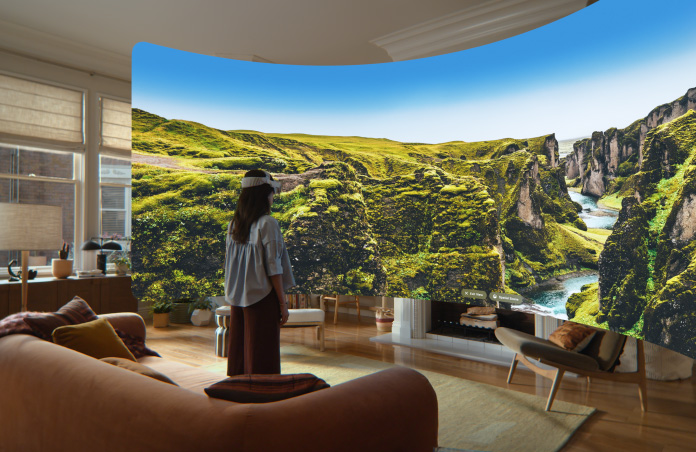
Turn panoramas into spatial scenes.
Turn your panoramas into spatial scenes with rich depth and realism. Use them as your Environment to step back into your favourite moments anytime.
-
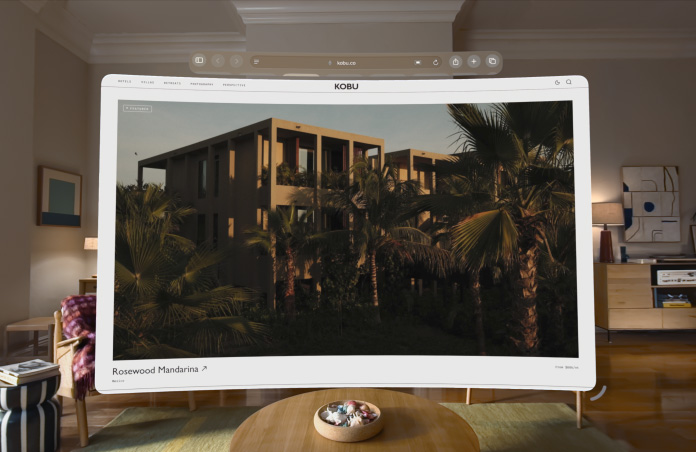
New curved windows.
Windows with curvature let you comfortably see more content. Now your favourite apps, including Safari, Freeform, and Multiview on Apple?TV, wrap around you so everything has room to breathe.

-
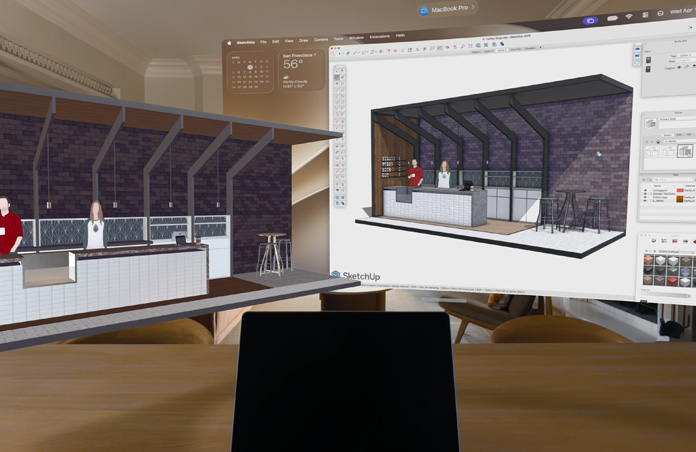
Spatially preview your?Mac.
Preview and edit 3D models from your Mac directly in your space. Bring designs from Mac?Virtual Display into the world around you to refine materials, adjust colours and make intricate edits in real?time.
-
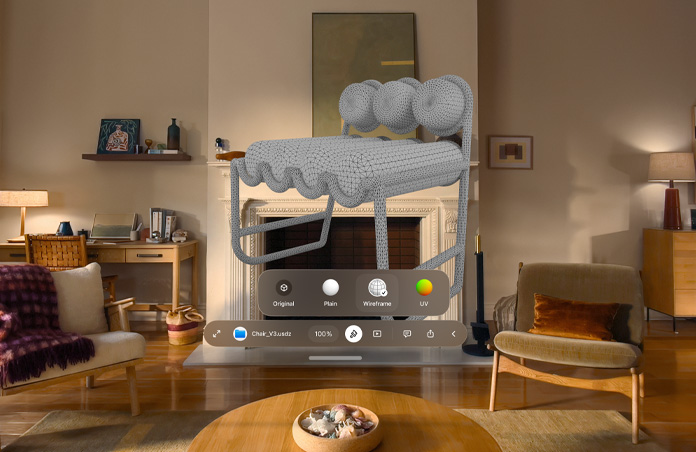
Quick Look updates.
New Quick Look enhancements let you override materials to view wireframes and UV maps. You can also add annotations directly to your 3D models, keeping you and your team in sync on the latest feedback.
-
New Environment — Thórsm?rk.
Transform your space into an Icelandic aurora, featuring dynamic, shifting?hues.

-
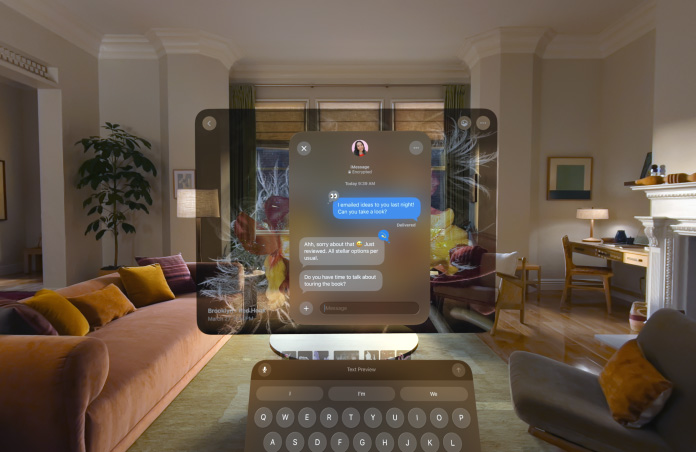
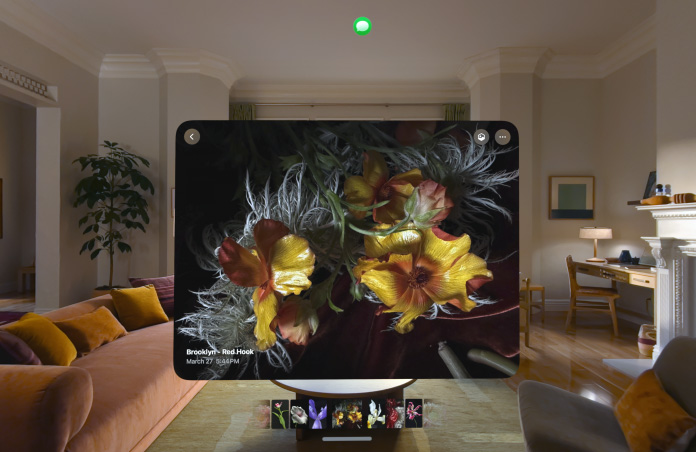
Expand notifications with your eyes.
Quickly preview your notifications just by using your eyes. Simply look at a notification when it appears to expand it and take further?action.
-
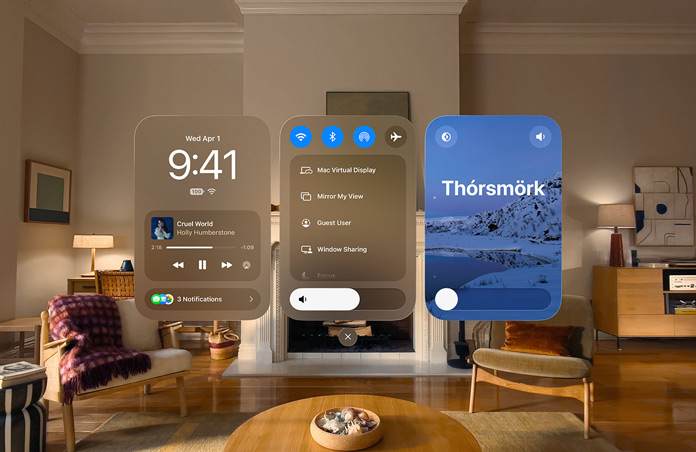
New look for Control Centre.
Your most important controls are now easier to access. Notifications and playback, core controls and Environments are organised into three distinct areas, so you can find exactly what you need at a?glance.
-
Faster Wi?Fi connection.
Apple?Vision?Pro now starts and connects to Wi?Fi up to three?times faster, so you can step into your favourite content the moment you put it on.5

visionOS?27 features And so much more.

Updated Dwell?Control.
Dwell?Control offers an entirely new way to make selections using just your eyes. Instead of waiting for a timer to complete, you can simply glance up at a selection marker to confirm your choice instantly. This more intuitive interaction gives Dwell?Control users faster, more natural navigation throughout visionOS, making it easier than ever to get things?done.

Reality Composer Pro?3.
With a single tool, you can create game assets with advanced simulation, character animation and dynamic lights. Then use Script Graph to build game logic without writing any?code.

Freeform.
Easily group and manage your Freeform boards. Create folders to keep your workspace tidy and view your Freeform objects together as a spatial group.

Faster Messages sync.
Missed-messages notifications and unread count sync more quickly and reliably across your Apple?devices.

New widgets.
Customise your space with a new extra-small widget size for your favourite apps. And place the new Mac?Virtual Display widget anywhere to instantly connect to your Mac with a tap — even when it’s closed.

Web Environments.
Safari now supports fully immersive web experiences. Developers can render 360° backgrounds that completely surround your physical space and make browsing more immersive.